Deploying a PHP Laravel 10 application to SAP BTP Cloud Foundry
A Step-by-Step Guide to Build, Configure, and Deploy Scalable Laravel 10 Applications on SAP BTP Cloud Foundry
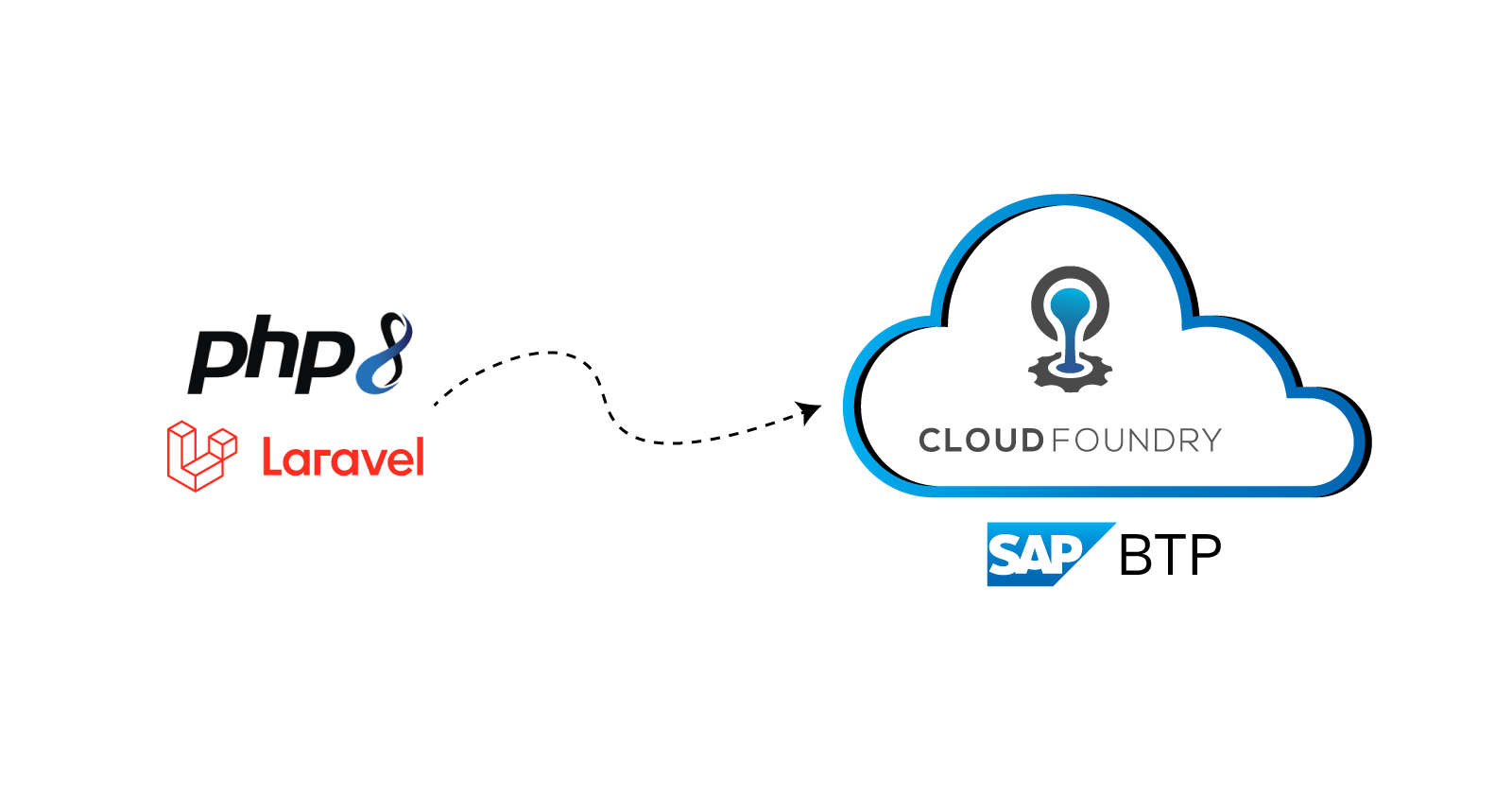
To deploy a PHP Laravel application to SAP BTP (Business Technology Platform) Cloud Foundry, you would typically follow these steps:
Prepare Your Laravel Application: Ensure that your Laravel application is properly configured and ready for deployment. This includes setting up your database configurations, environment variables, and any other dependencies required by your application.
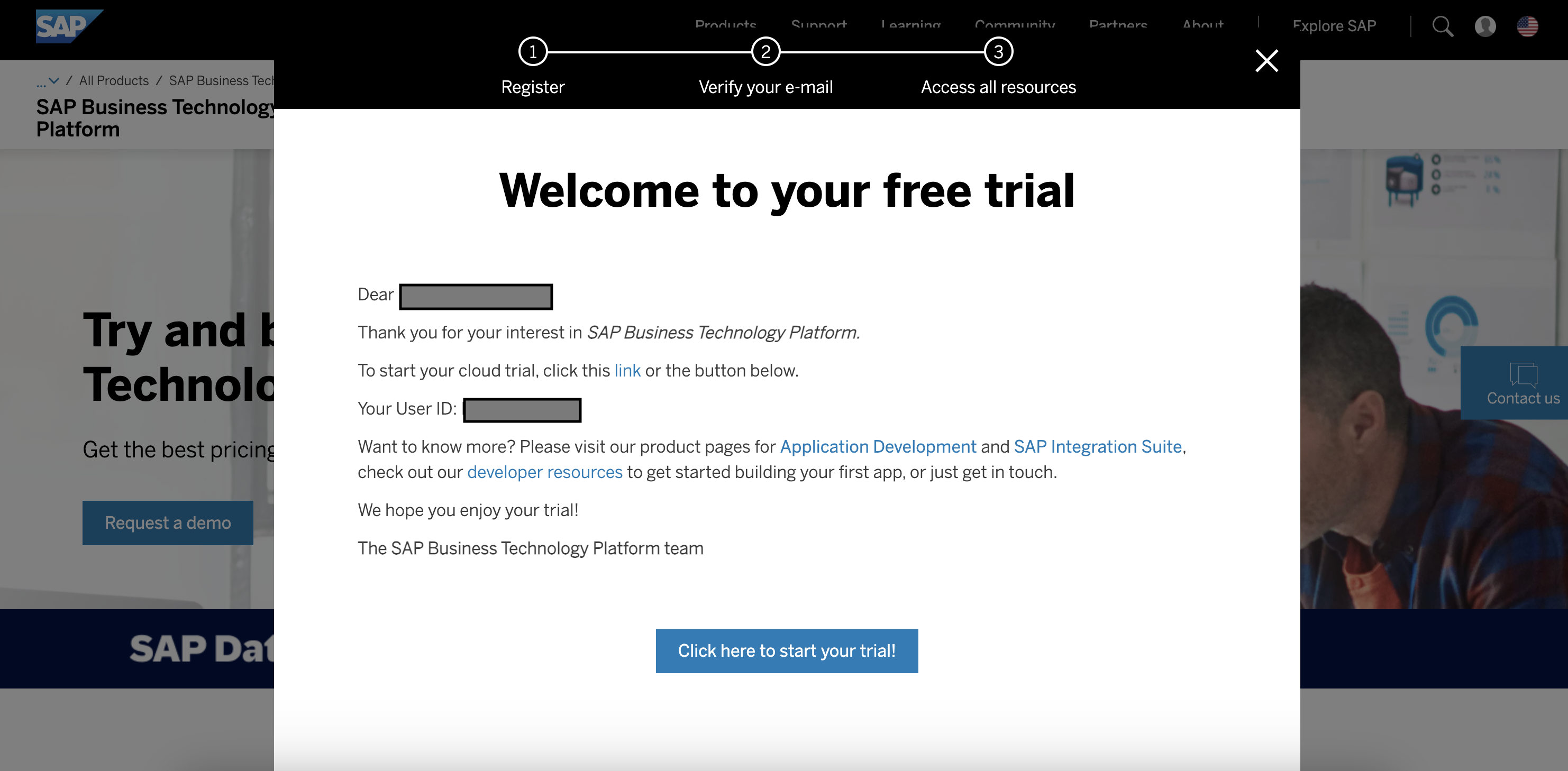
Create a SAP BTP Account: If you haven't already, sign up for an account on SAP BTP. Access the Cloud Foundry environment from the SAP BTP cockpit.
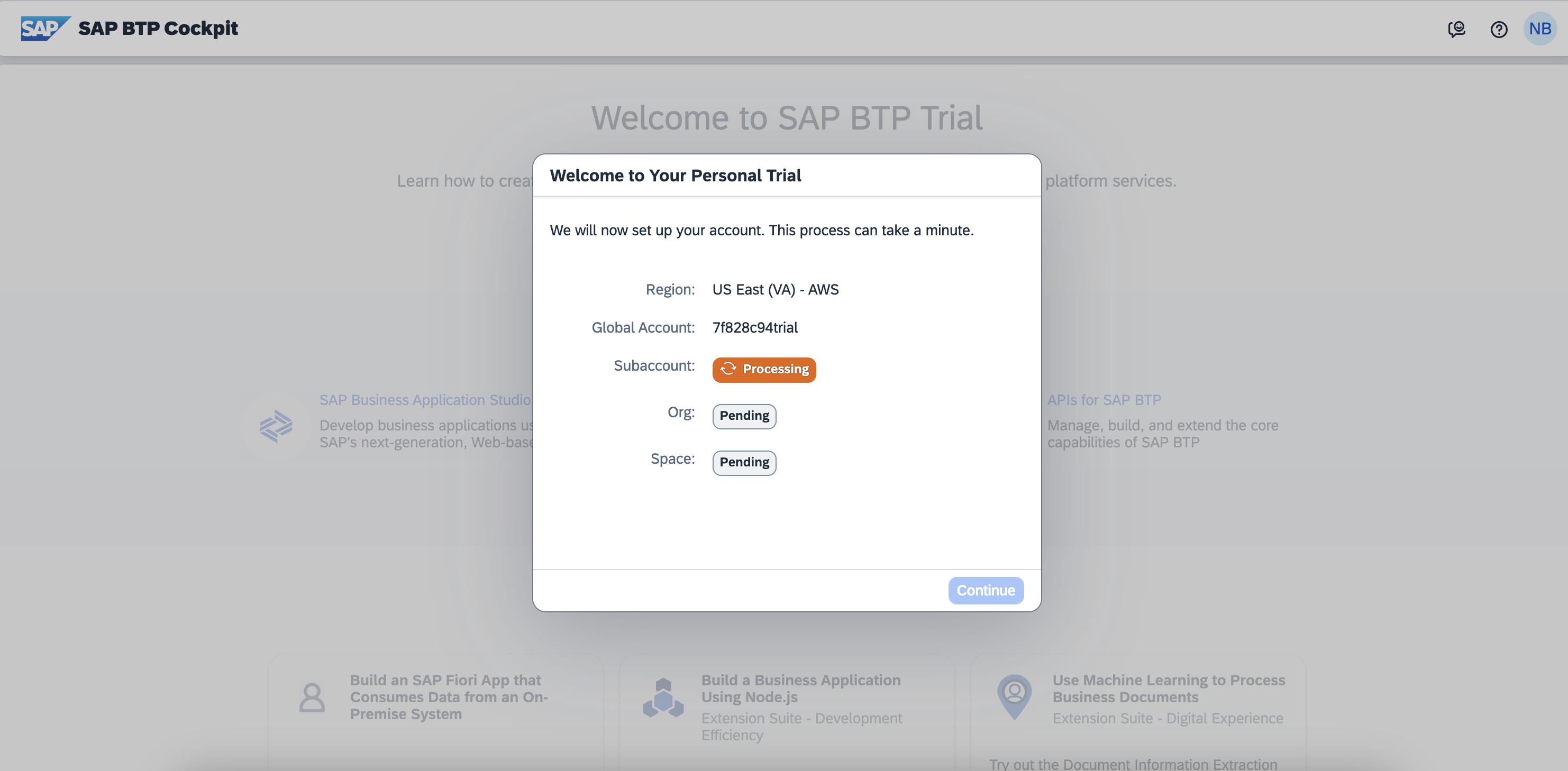
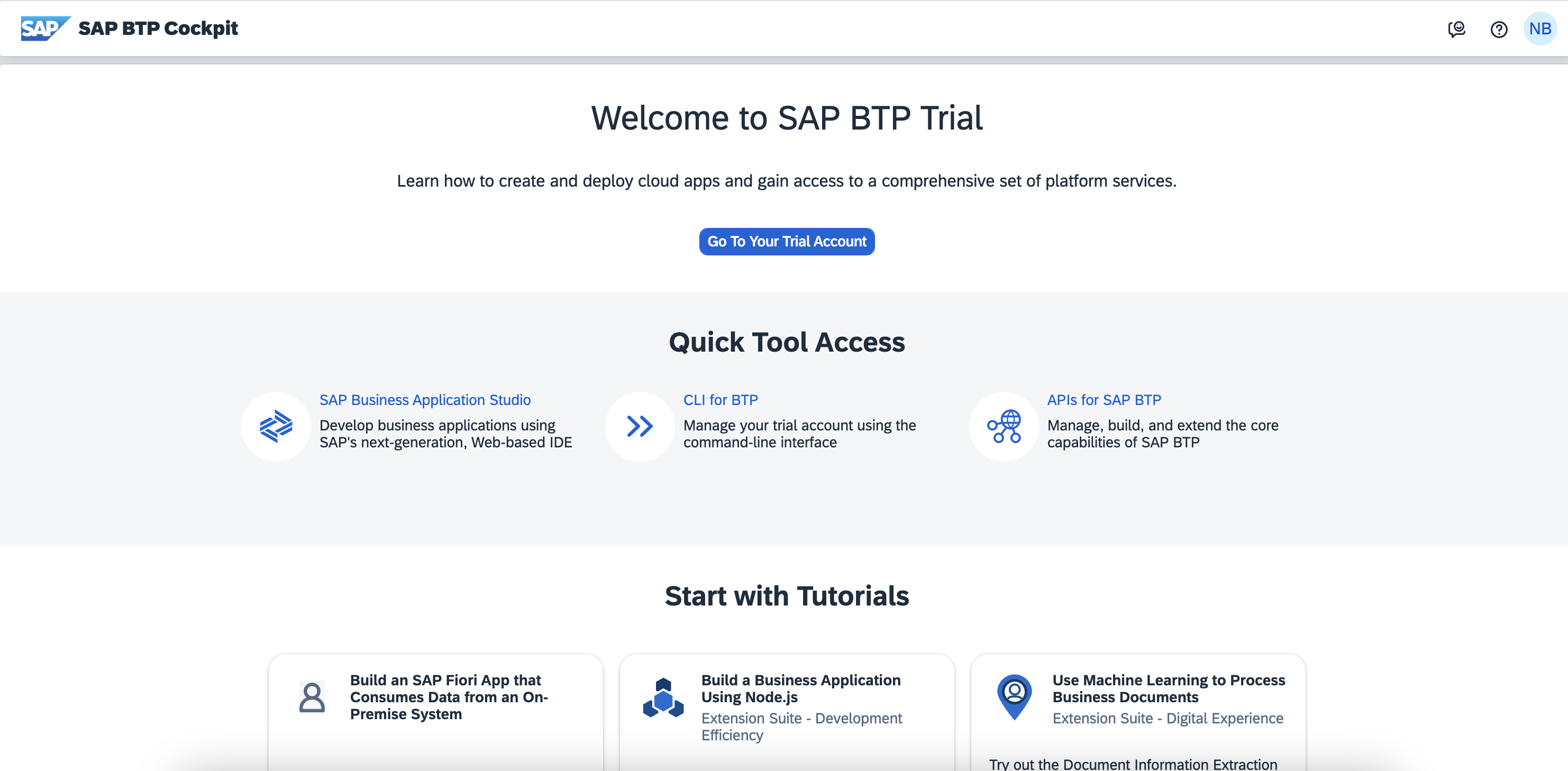
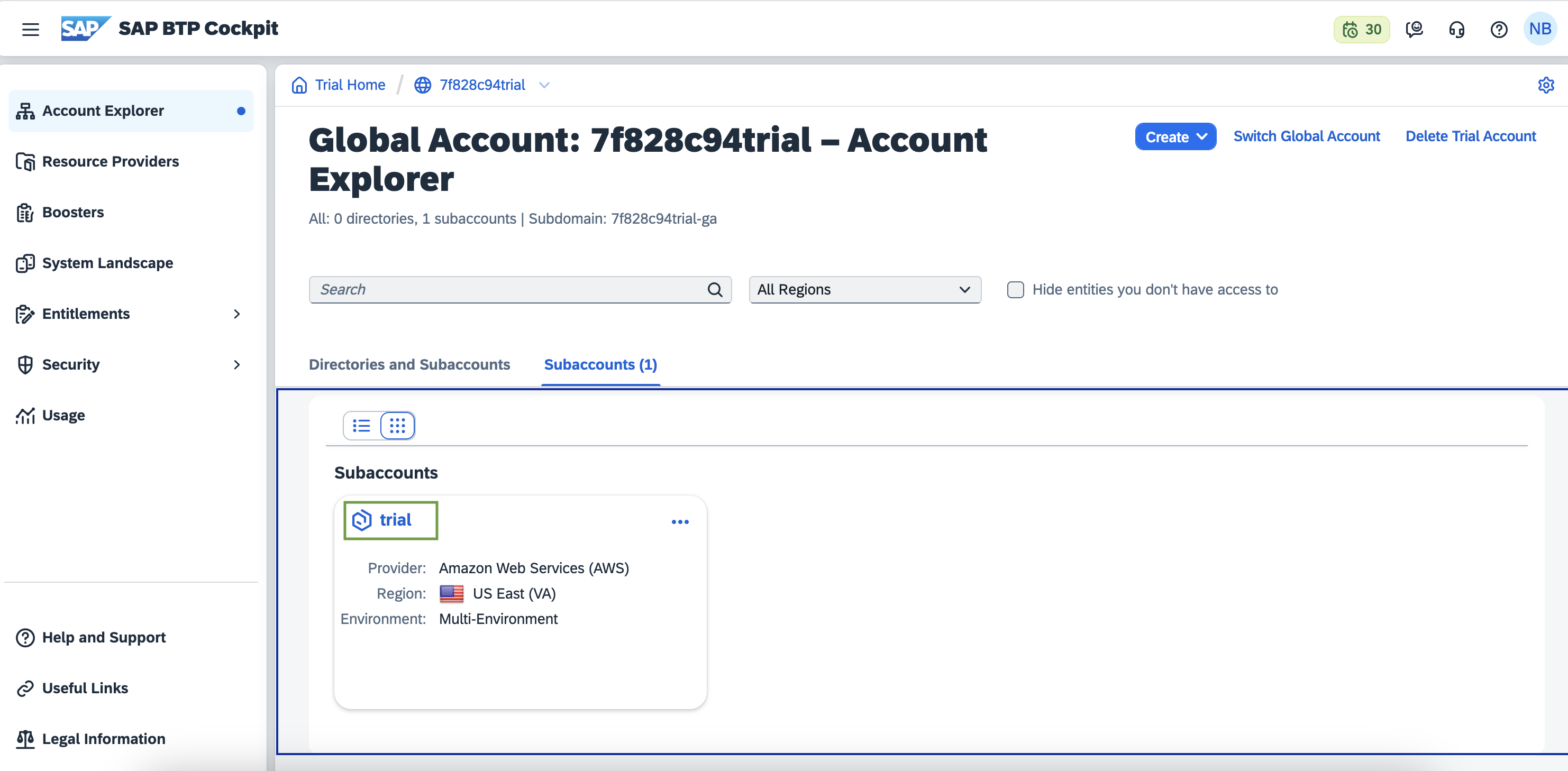
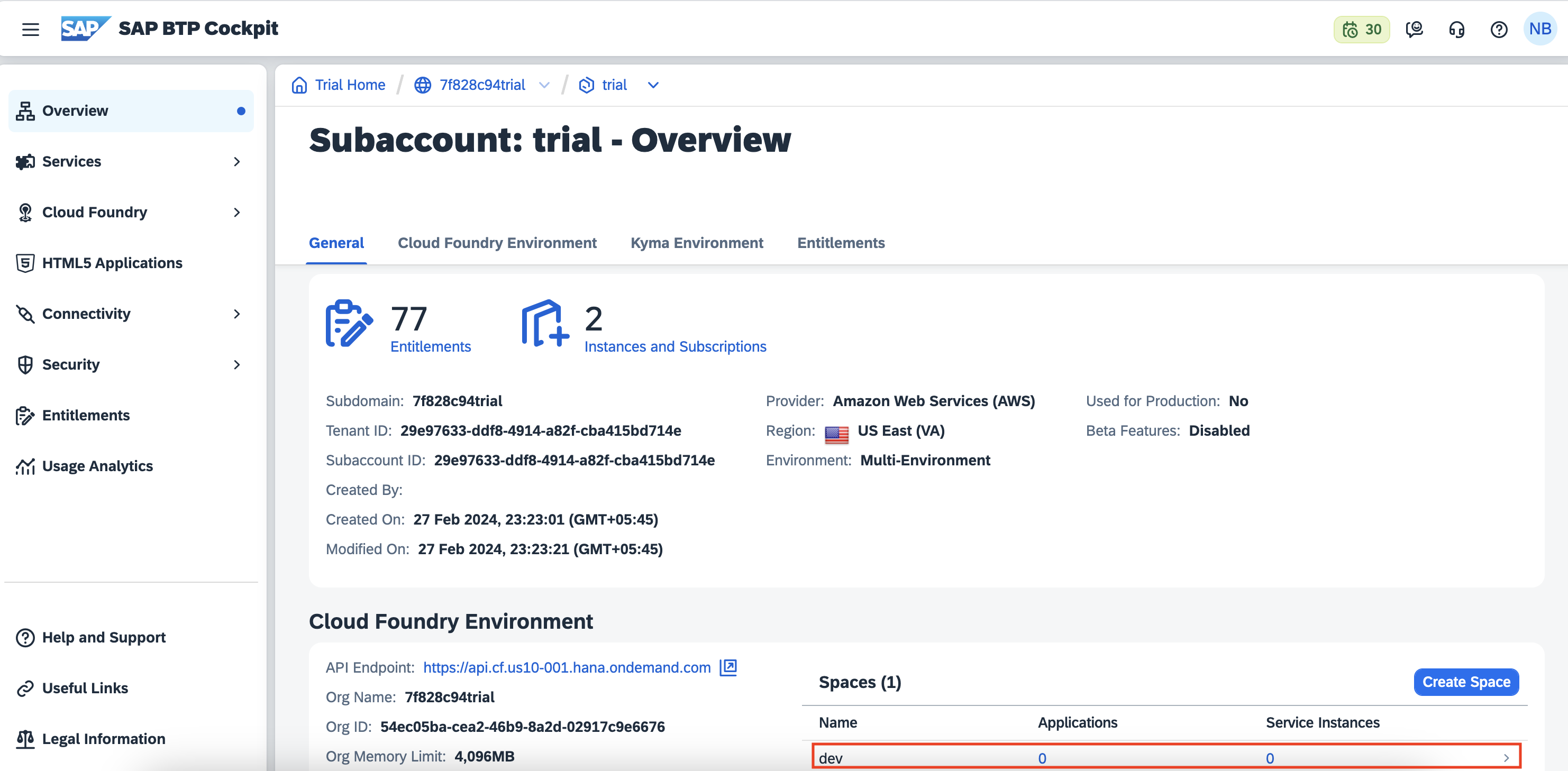
Create a Manifest File: Create a
manifest.ymlfile in the root directory of your Laravel application. This file contains information about your application that Cloud Foundry will use during deployment. Here's a basic example:applications: - name: your-app-name buildpacks: - https://github.com/cloudfoundry/php-buildpack.git memory: 256M instances: 1 routes: - route: your-app-name.cfapps.sap.hana.ondemand.comMake sure to replace
your-app-nameit with the desired name for your application.Install the Cloud Foundry CLI: If you haven't already, install the Cloud Foundry CLI on your local machine. You can download the CLI for Windows or Mac by visiting the following link: Cloud Foundry CLI Downloads
Login to SAP BTP Cloud Foundry: Use the Cloud Foundry CLI to log in to your SAP BTP account:
cf login -a https://api.cf.eu10.hana.ondemand.comReplace the API endpoint (
https://api.cf.eu10.hana.ondemand.com) with the appropriate endpoint for your region.Deploy Your Application: Navigate to the root directory of your Laravel application in the terminal and use the following command to deploy your application to Cloud Foundry:
cf push your-app-nameThis command will read the
manifest.ymlfile in your application directory and use it to deploy your application to Cloud Foundry.Access Your Application: Once the deployment is complete, you can access your Laravel application using the route specified in the
manifest.ymlfile. In the example above, the route would beyour-app-name.cfapps.sap.hana.ondemand.com.Set Environment Variables (if necessary): If your Laravel application relies on environment variables, you can set them using the
cf set-envcommand:cf set-env your-app-name ENV_VARIABLE_NAME valueReplace
your-app-namewith the name of your application,ENV_VARIABLE_NAMEwith the name of the environment variable, andvaluewith the desired value.Restart Your Application (if necessary): If you make any changes to your application or environment variables, you may need to restart your application for the changes to take effect:
cf restage your-app-nameMonitoring and Scaling: Monitor your application's performance and scale it as needed using the SAP BTP dashboard or Cloud Foundry CLI commands.
Troubleshooting: If you encounter any issues during deployment, check the logs using:
cf logs <app-name> --recent
That's it! Your Laravel application should now be successfully deployed to SAP BTP Cloud Foundry.
About the author
- With over a decade of experience, I currently serve as Lead - Technology & Innovation Engineering at Exalogic Consulting, spearheading initiatives to integrate emerging technologies into RealCube’s solutions. My focus lies in evaluating and embedding AI and blockchain capabilities, modernizing technology stacks, and enhancing product scalability and market competitiveness. Skilled in emerging technologies, cloud architecture, and system design, I collaborate with cross-functional teams to deliver innovative solutions that align with business goals. My work centers on designing proofs-of-concept and implementing cutting-edge advancements that drive measurable value for stakeholders.
Comments
Join the discussionNo comments yet. Be the first to comment.
DevOps Insights: From Basics to Production
A DevOps series covering fundamentals to advanced concepts including CI/CD, Docker, Kubernetes, cloud deployments, monitoring, and real-world production practices. Designed for developers and engineers who want to build, automate, and scale modern applications efficiently.